


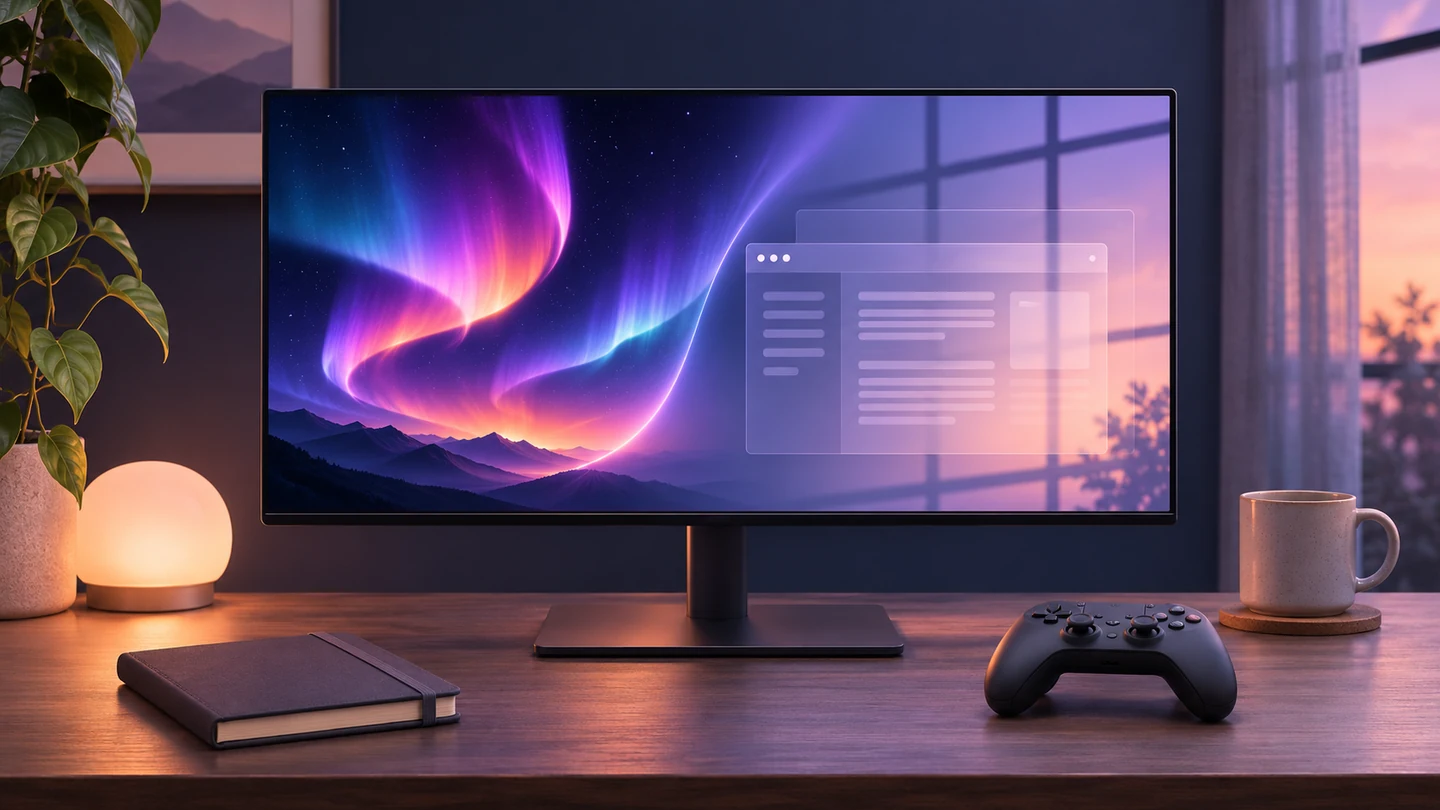
The shop demonstration looks wonderful: bright highlights, a dark background and a game you would happily lose an evening to. Your actual Tuesday may look more like a spreadsheet beside a browser for seven hours.
Before buying an OLED monitor, compare the screen’s strengths with the work it will do most often. Repeated static content deserves attention, as do the exact model’s care features and warranty. A discount does not answer those questions.
Start by describing your normal day
Write down what stays on screen. Is it one application with fixed toolbars? A dashboard that rarely changes? A mixture of documents, games and video? The description matters more than calling yourself a gamer or an office user.
LG’s monitor guidance identifies static elements such as taskbars, icons and game menus as potential sources of image retention. Games therefore do not automatically mean an entirely changing picture, and office use does not describe every person’s pattern equally well.
This is not a formula that predicts how long a panel will last. It is a way to notice whether the display you are considering fits the habits you actually have.
A faint after-image is not always permanent damage
The terms can get muddled in product discussions. Temporary retention may fade, while persistent burn-in is the concern people usually mean when they worry about a pattern remaining on the panel. LG’s explanation distinguishes short-lived image retention from longer-lasting burn-in.
Do not diagnose a monitor from a single photograph posted online. You may not know the model, settings, exposure, usage history or whether the mark disappears. Likewise, one owner reporting no problem cannot promise the same outcome for everyone.
Panel care helps, but read the right manual
Different models offer different protections. Dell documents pixel shifting on named Alienware OLED monitors, while LG describes image-cleaning behaviour for its supported monitors.
These features are a reason to understand the product, not a reason to stop thinking about how you use it. Check whether a cleaning cycle runs during standby and what the manufacturer tells you to leave enabled. Do not copy a manual-refresh schedule from an unrelated model.
The warranty sentence worth finding
Look specifically for burn-in coverage. A long general warranty and explicit coverage for that issue are not necessarily the same thing.
Dell’s New Zealand support page, for example, describes burn-in coverage for its relevant OLED monitor support offering. That is evidence about those terms, not a promise covering every OLED brand, model or country.
Before paying, save the terms for the exact product sold in your market. Check coverage length, exclusions, who handles the claim and what proof of purchase you will need. Imported stock deserves particular attention to the local service arrangement.
Choose the monitor you want to live with
If you value OLED’s presentation and are comfortable with the model’s maintenance and coverage, it may be a good fit. If you spend most of the day in a fixed layout and would constantly worry about it, compare an LCD alternative too.
Also inspect text at your normal size, reflections in a room like yours and the ports your computer needs. These everyday details can matter more after a week than the scene used in a showroom.
We have not tested the monitors discussed in the linked guidance. The recommendation here is about making the purchase decision: choose for your working day, then enjoy what the screen adds to your evening.


Reader Discussion