

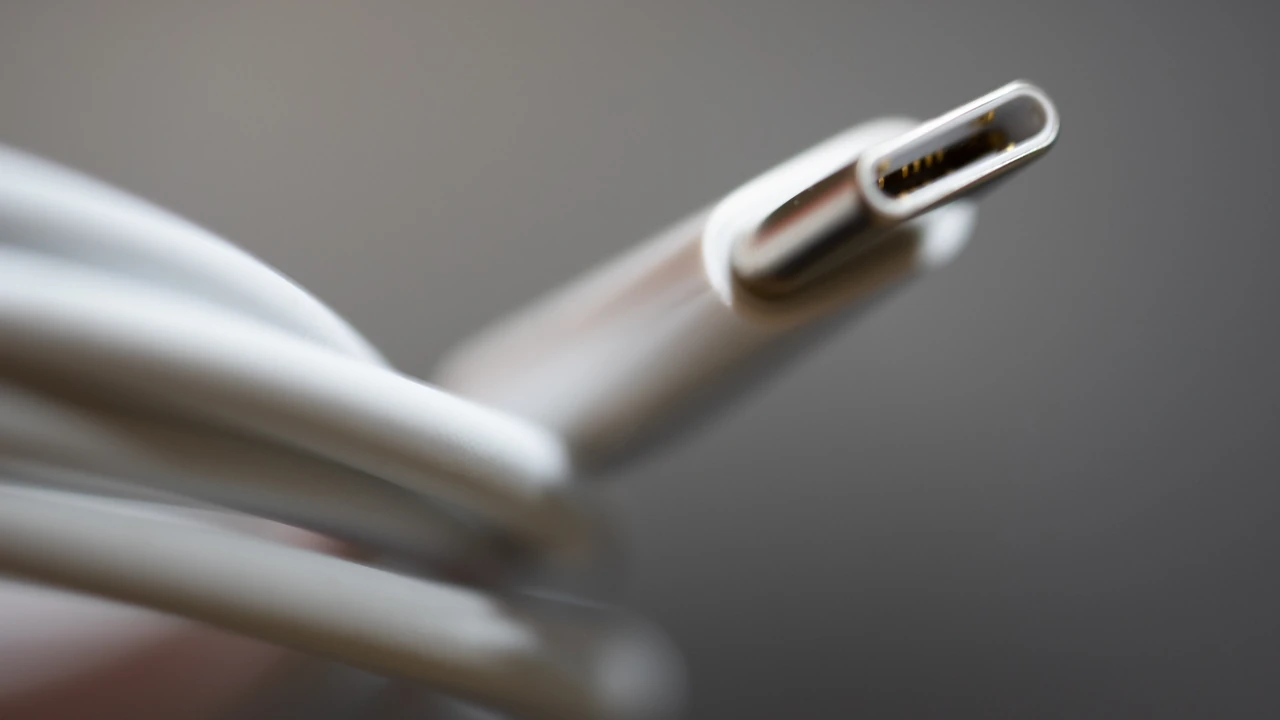
A 240W USB-C cable can be a good choice for charging a laptop and a poor choice for moving a video project. The wattage tells you how much charging power the cable is rated to carry. You need a separate data-speed specification to know whether it suits a fast drive.
Apple sells a useful example. Its two-metre 240W charging cable supports data at USB 2 speeds. Apple states both limits right on the product page. A buyer who saw only the wattage could miss the second one entirely.
Start with the job you want the cable to do
Charging a laptop. Check what the laptop can accept and the power the charger actually offers on the port you’ll use. The cable rating has to cover that arrangement. In a compatible USB Power Delivery setup, a 60W cable won’t carry 100W just because those digits appear on the wall charger. A higher-rated cable gives the setup room to use more power if the other hardware supports it.
Moving files to an SSD. Match the cable’s stated data rate to the drive and the computer port. The USB Implementers Forum’s label guide shows independent power and data ratings, including 60W and 240W labels for cables that carry USB 2.0 data at up to 480 megabits per second. It also shows combined labels for faster cables.
Connecting a display. Check the monitor and the computer’s video support, then find a cable that explicitly supports the required connection. The plug shape tells you that it fits. The device and cable specifications tell you what will travel through it.
What a slow copy looks like on paper
At the full 480 megabits per second, a 10 GB file would take about 2 minutes and 47 seconds to copy, even before overhead. The calculation uses decimal units and divides 80 gigabits by 0.48 gigabits per second. Real copies can take longer. PCWorld’s comparison of charging and data cables shows why these jobs merit separate tests.
If two cables look identical in your drawer, label the fast one by data rate and the charging one by wattage. You’ll know which to grab before you start troubleshooting the drive.
Cover photo: An archival MacBook Pro charging cable. The photo illustrates the connector type. Tony Webster, CC BY-SA 2.0. Cropped and resized to 16:9, then converted to metadata-free WebP.




Reader Discussion