


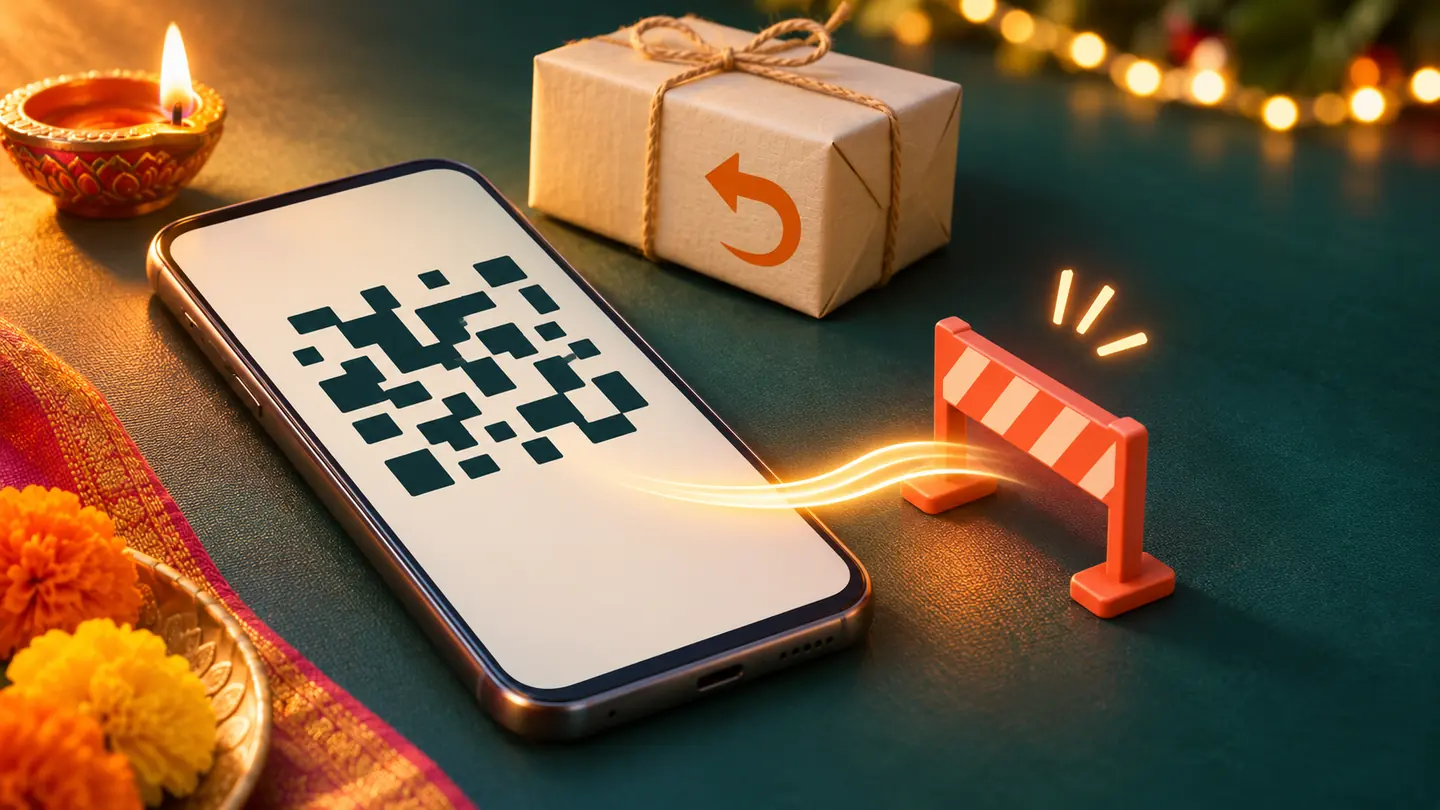
You have returned an order and are waiting for your money. A message arrives claiming to be customer support: scan this code to release the refund.
That request deserves a stop, not a hurried tap.
You do not need to enter your UPI PIN to receive a normal refund or incoming payment.NPCI warns that scanning a payment QR code and entering a UPI PIN is a payment action, not a way to receive money. Someone describing that action as “unlocking” a refund is giving you a false explanation.
Read what the app is asking you to do
The person messaging you controls their story. Your payment app shows the action you are about to authorise.
If a screen asks you to approve money going to another account, the word “refund” in a chat does not reverse that direction. Stop. Close the conversation and contact the merchant through the order page or contact details you already trust.
Do not use a phone number supplied by the same person to verify their identity. That simply returns you to their version of customer support.
Your QR code and their QR code are different
It is normal for a merchant to display a payment QR for customers to scan. It can also be normal to share your own receiving details with someone who needs to pay you.
The warning in this article is about someone sending you a payment code and asking you to scan it, then authorise a debit, to receive your money. Do not reduce the advice to “all QR codes are scams.” The important distinction is the purpose of the scan and the transaction you approve.
Nor should you assume merely seeing a QR image means money has already left. Check your account’s transaction history. The response should match what actually happened.
A screenshot is not proof that you were paid
Open your banking or payment app yourself and look for the credit. A message saying a refund was processed is not the same as a settled incoming transaction. A screenshot sent by somebody else cannot establish what your bank has received.
If the merchant says the refund is pending, use the official support route to request its reference and status. Do not make a new payment to “activate” the old refund.
Keep your PIN private. NPCI’s UPI guidance says bank customer support will not ask for it. The same caution applies when someone sounds helpful or knows the name of a product you ordered.
If you already authorised a payment
Contact your bank or payment provider through its official channel immediately. Report the transaction as suspected fraud and preserve the transaction reference, amount, time, messages and relevant screenshots.
In India, report financial cyber fraud promptly through cybercrime.gov.in or call 1930, the number listed on the official reporting portal. Quick reporting matters, but it does not guarantee that funds will be recovered.
Do not pay a stranger who promises to recover the money for a fee. The next useful action is an official report, not another transfer.
For the next refund conversation, keep one question in view: am I checking money coming in, or being asked to approve money going out?



Reader Discussion