


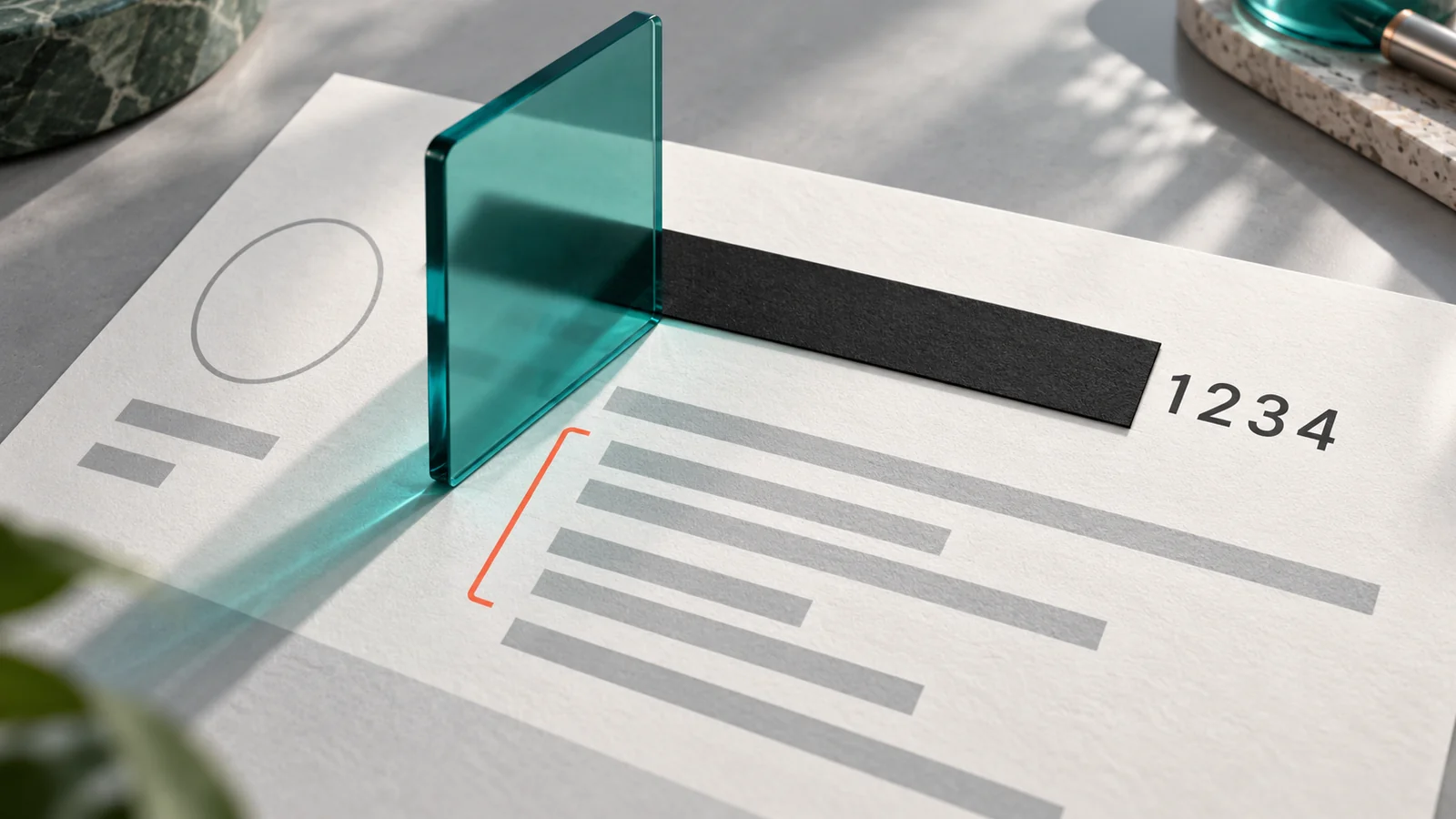
Masked Aadhaar hides the first eight digits of the Aadhaar number and leaves the last four visible. It does not make the document anonymous.
That is the distinction to remember when a hotel, application form or message asks you for ID. Masking limits what you share, but the copy still needs careful handling.
What the masked copy still reveals
UIDAI's online-services FAQ describes masking as an option in e-Aadhaar. It changes the visible number, not every piece of identifying information.
UIDAI also says its secure QR code contains identity details, including name, address, date of birth and photograph. Obscured digits are not a reason to post the document publicly.
A practical way to think about it: masking reduces unnecessary disclosure; it does not remove the need to check the recipient and purpose.
Download it through UIDAI
Start with the download link in UIDAI's official services page. Its FAQ points to the myAadhaar portal and the official Aadhaar app. Select the masked option where offered and inspect the downloaded document.
Use a device you control. Before attaching the file, open it and check the visible number; a filename alone will not tell you whether you selected the masked or full copy.
Do not send your Aadhaar number, OTP or document to a blog or unfamiliar download service offering to do this for you. Keep OTPs within the official transaction you deliberately started.
Three controls, three different jobs
A masked copy, a Virtual ID and biometric locking are not interchangeable:
- Masked copy: limits the number visible on the document you share.
- Virtual ID:UIDAI defines VID as a temporary, revocable sixteen-digit number that can replace the Aadhaar number for authentication or e-KYC.
- Biometric locking: UIDAI says it affects biometric authentication but does not stop OTP-based authentication.
Downloading a masked copy does not turn biometric locking on. Nor does it retrieve a full copy you previously sent to someone.
One check before sending
Ask the organisation why it needs the document, whether a masked copy or another accepted form of ID will do, and which submission channel to use. Confirm this through its official contact route, not a number in an unexpected message.
Requirements can differ between services. This guide does not promise universal acceptance of one type of document. Once you have confirmed the requirement, check the recipient and selected attachment one last time.


Reader Discussion