
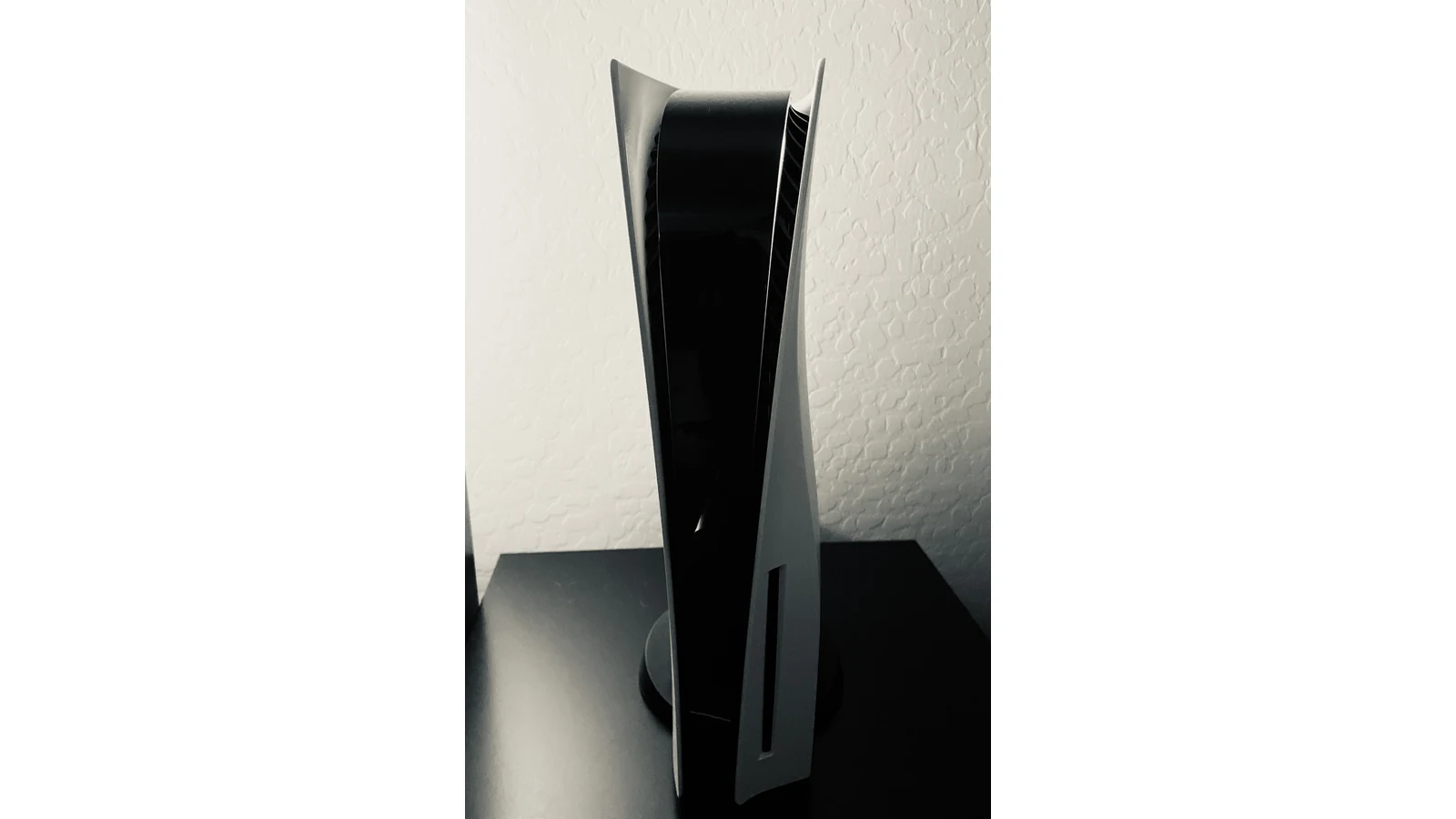
A detachable PS5 disc drive is not a universal upgrade for every console called a Digital Edition. Before buying one, check the model number. The name on a second-hand listing isn't enough.
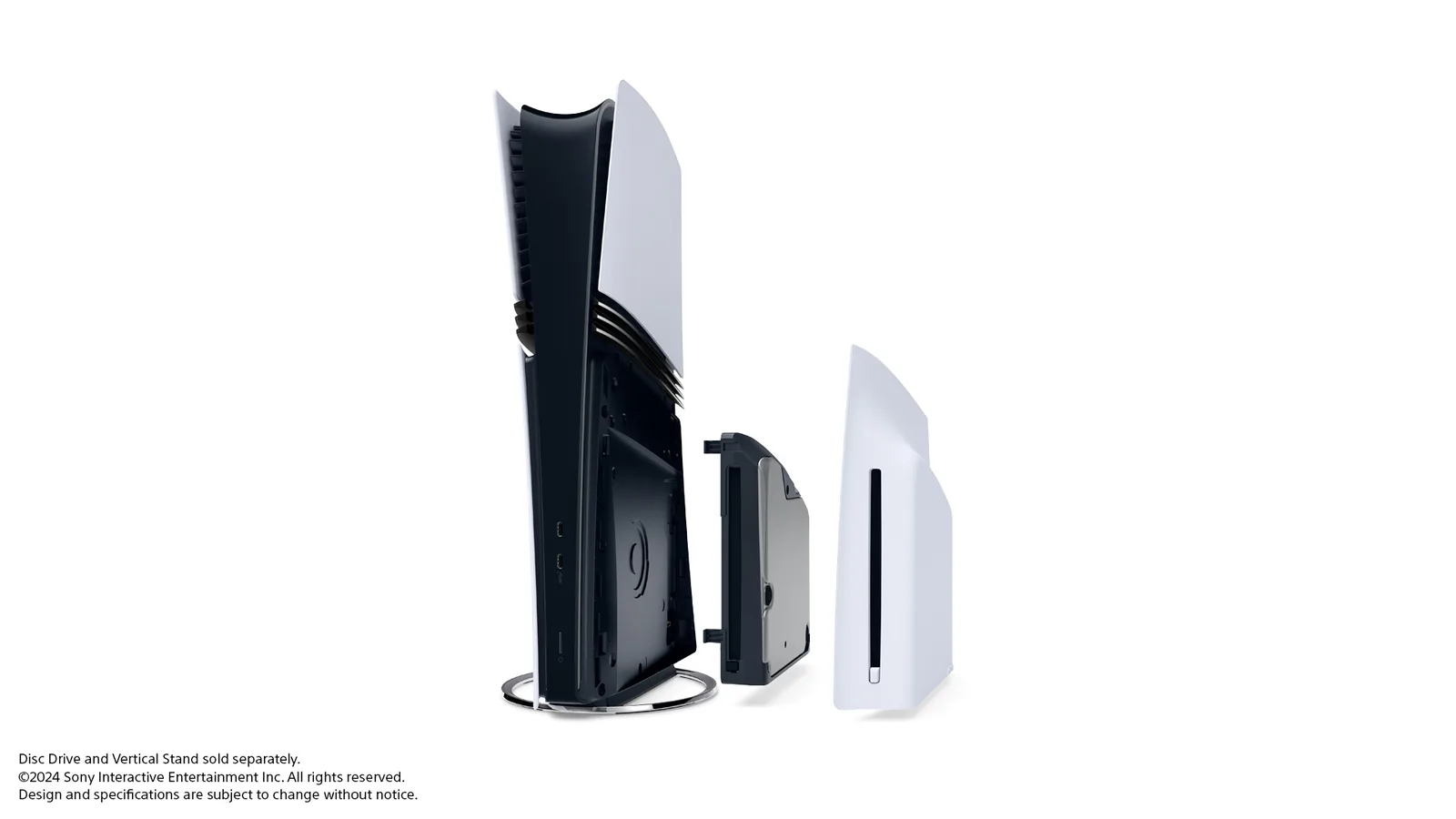
Sony's current accessory listing specifies PS5 Digital Edition consoles in the CFI-2000 and CFI-2100 slim model groups, plus PS5 Pro. An original, full-size Digital Edition is not on that compatibility list.
That's the expensive mistake to avoid: buying a drive because your console is digital, without checking which digital console you own.
Match the hardware before comparing prices
Start with the model identifier on the console or its documentation, not just its silhouette in a photograph. Compare it with the accessory listing for your country. If you're buying used, request a clear picture of the model label; there is no need for the seller to publicly display their serial number.
Sony's drive installation guide describes attaching the drive to the compatible console and replacing the cover. This is a specific console accessory, not a promise that an ordinary USB optical drive will do the same job.
Our buying rule: if the seller cannot establish the console model and the accessory's compatibility, pause. A cheap drive that doesn't fit is still the wrong purchase.
Yes, setup needs the internet
Sony says an internet connection is required to pair the drive and console during setup. Plan for that before taking the hardware somewhere without a connection.
Pairing and a game's own connection requirements are separate questions. The setup requirement does not establish that every disc game must remain online forever. Equally, a disc is not a guarantee that its particular game needs no downloads, updates or online service.
Check the game you intend to play. If your reason for buying physical copies is dependable offline access, the drive's product page cannot settle that question on its own.
Your PS4 discs still need checking
Sony's backward-compatibility guidance says the overwhelming majority of PS4 games work on PS5. It also maintains an exceptions list. That is a strong compatibility claim, but not an all-games promise.
For a supported PS4 disc game, Sony instructs users to keep the disc inserted whenever they play. Installing it does not give you a separate digital purchase that you can keep using after selling the disc.
Another limit matters for older collections: PS5 consoles do not support PS3 discs. Adding a drive doesn't turn the machine into a reader for every PlayStation generation.
Make the decision with your actual shelf
Before ordering, make a short list of the discs you expect to use. Separate compatible PS4 titles, PS5 games and films. Then check the exact game or media support you need, the accessory's current local price and what is included in the box.
If you're comparing a digital console plus a drive with a disc-equipped console, compare the complete totals available to you. Don't assume one arrangement is always cheaper, and don't let a temporary discount answer the compatibility question.
The useful upgrade is the one that opens the library you own. Start with the model number, confirm the setup requirements, then decide whether the discs justify the purchase.

Reader Discussion